Gardens
Reframe planting beds, paths, and focal points.
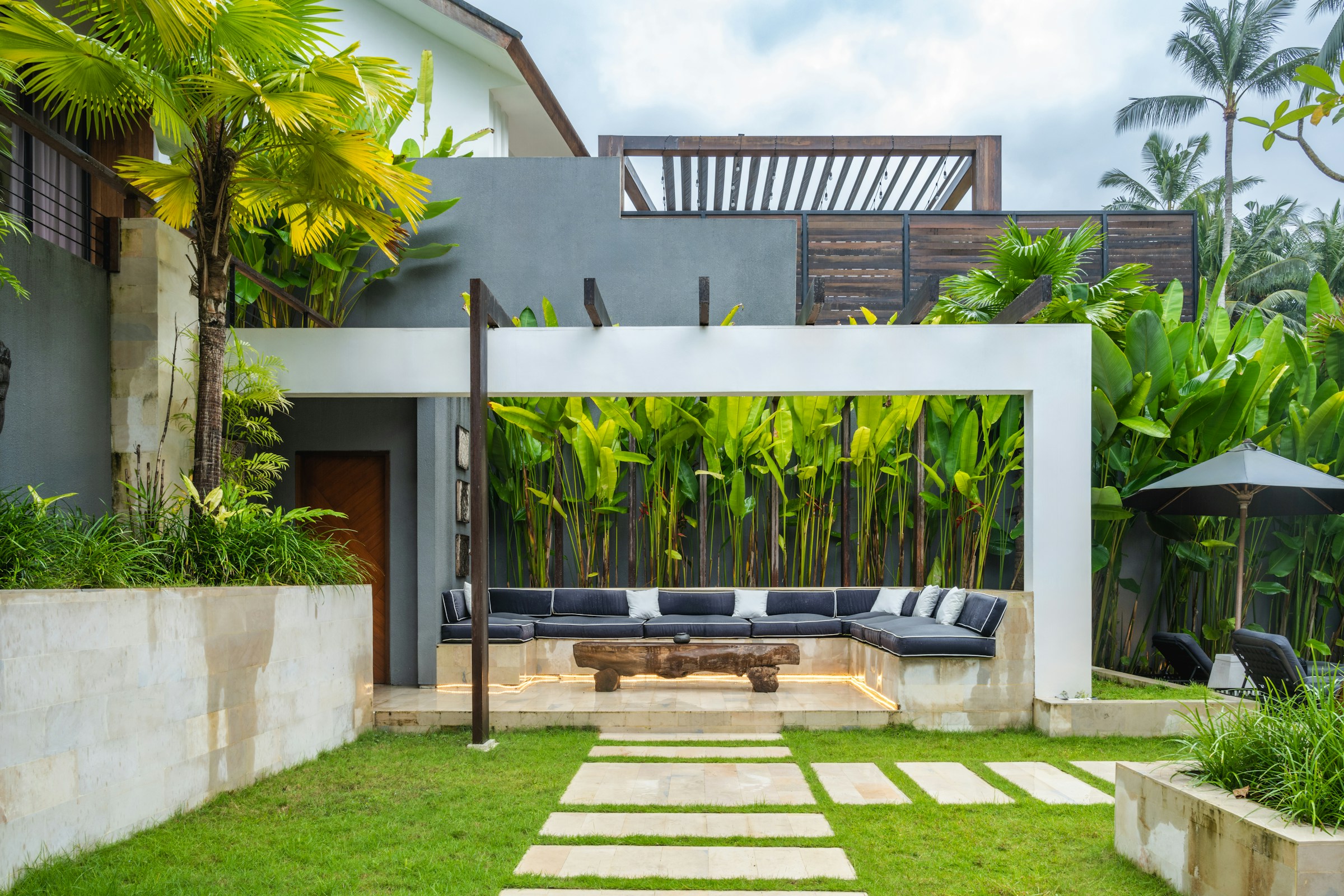
GC / 01 AI landscape studio
Create Gardens with AI
Upload one photo. Explore new layouts, planting ideas, pathways, lighting, and outdoor decor shaped around your space.
INPUTYour outdoor photo
DIRECTIONYour style and brief
OUTPUTAI design concepts
CONTROLSave and compare ideas
01 / The process
GardenCraft turns an existing photo into a useful visual starting point. Add a design direction, describe what matters, and explore a new outdoor concept in moments.
Choose a clear photo of a garden, backyard, patio, or balcony.
Select a style and describe plants, materials, mood, or features you want to explore.
Use AI generation to visualize a new direction, then save ideas for review.
02 / Design directions
Move between distinct starting points. Each direction changes the planting rhythm, material cues, and atmosphere in your concept brief.
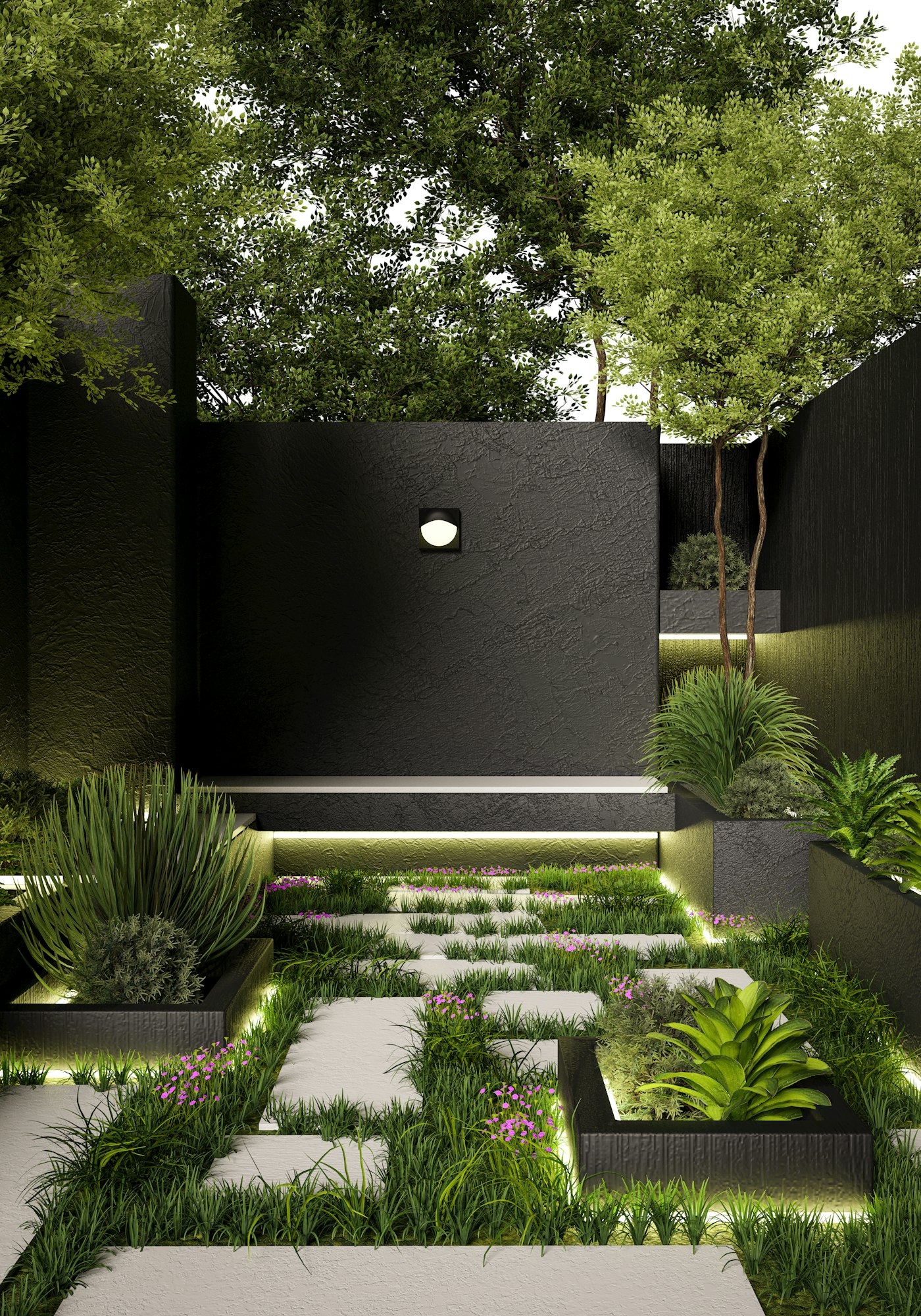
Organic planting layers, softer transitions, and a calm palette that lets the garden feel established.
03 / Any footprint
Use the same simple workflow across private gardens and compact outdoor areas.
Reframe planting beds, paths, and focal points.
Balance play, planting, dining, and open lawn.
Explore seating, shade, surfaces, and lighting.
Make a small footprint feel intentional and green.
04 / The toolkit
Generate new outdoor concepts from the space in front of you.
Subscription featureCompare different atmospheres, layouts, and visual directions.
Subscription featureAdd the priorities and preferences that make a concept personal.
Keep generated designs close while you consider the next direction.
05 / Begin with a photo
Frame the space, choose a direction, and turn the first idea into a visual garden concept.
Explore the workflowSPACEBackyard patio
DIRECTIONModern tropical
PRIORITIESShade / path / evening light
Creative visualization
AI results can be inaccurate or unrealistic. Consult qualified professionals before making landscaping, structural, electrical, irrigation, safety, or purchasing decisions.
Policies